Quickbooks.

Quickbooks.

Overview

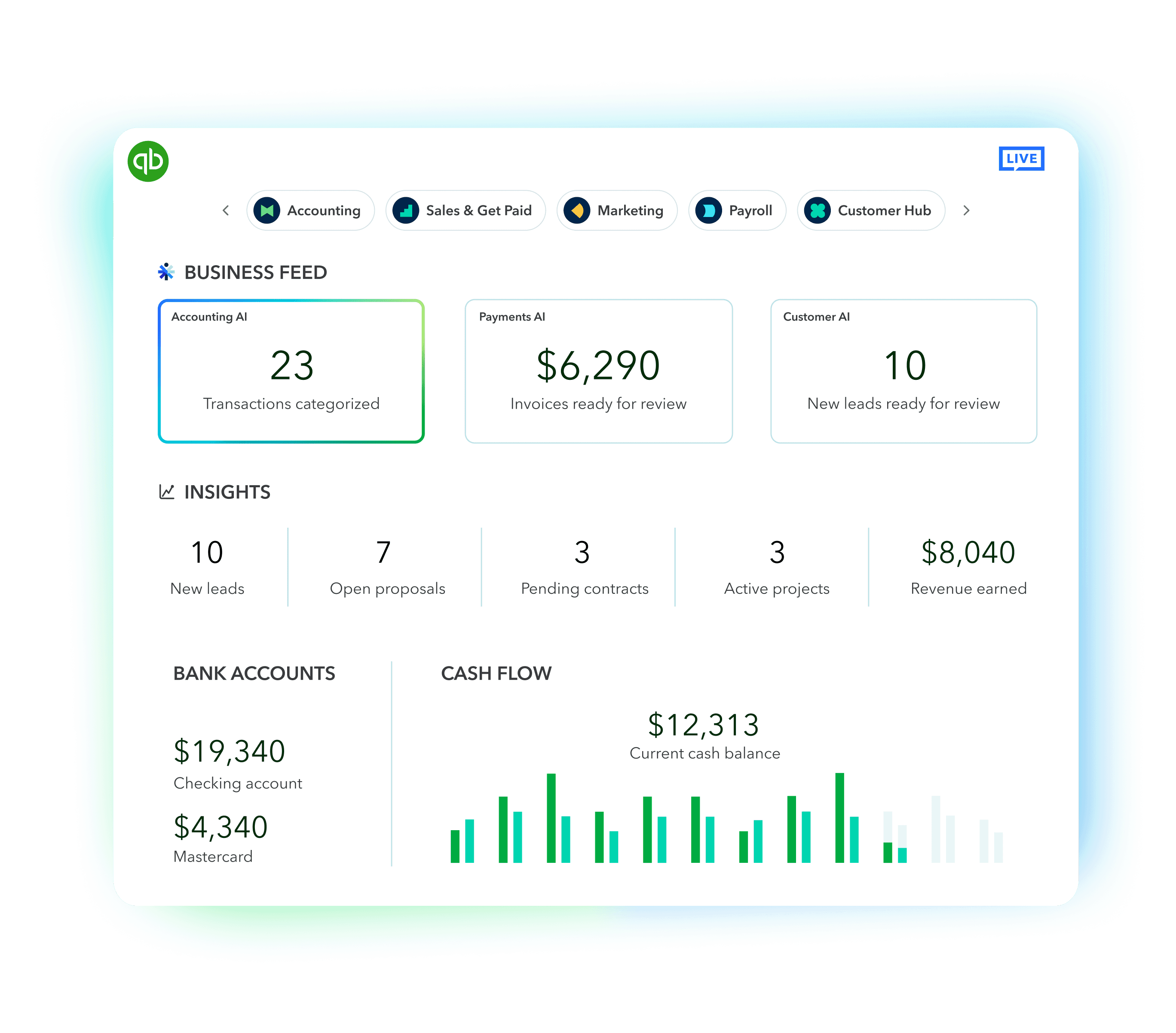
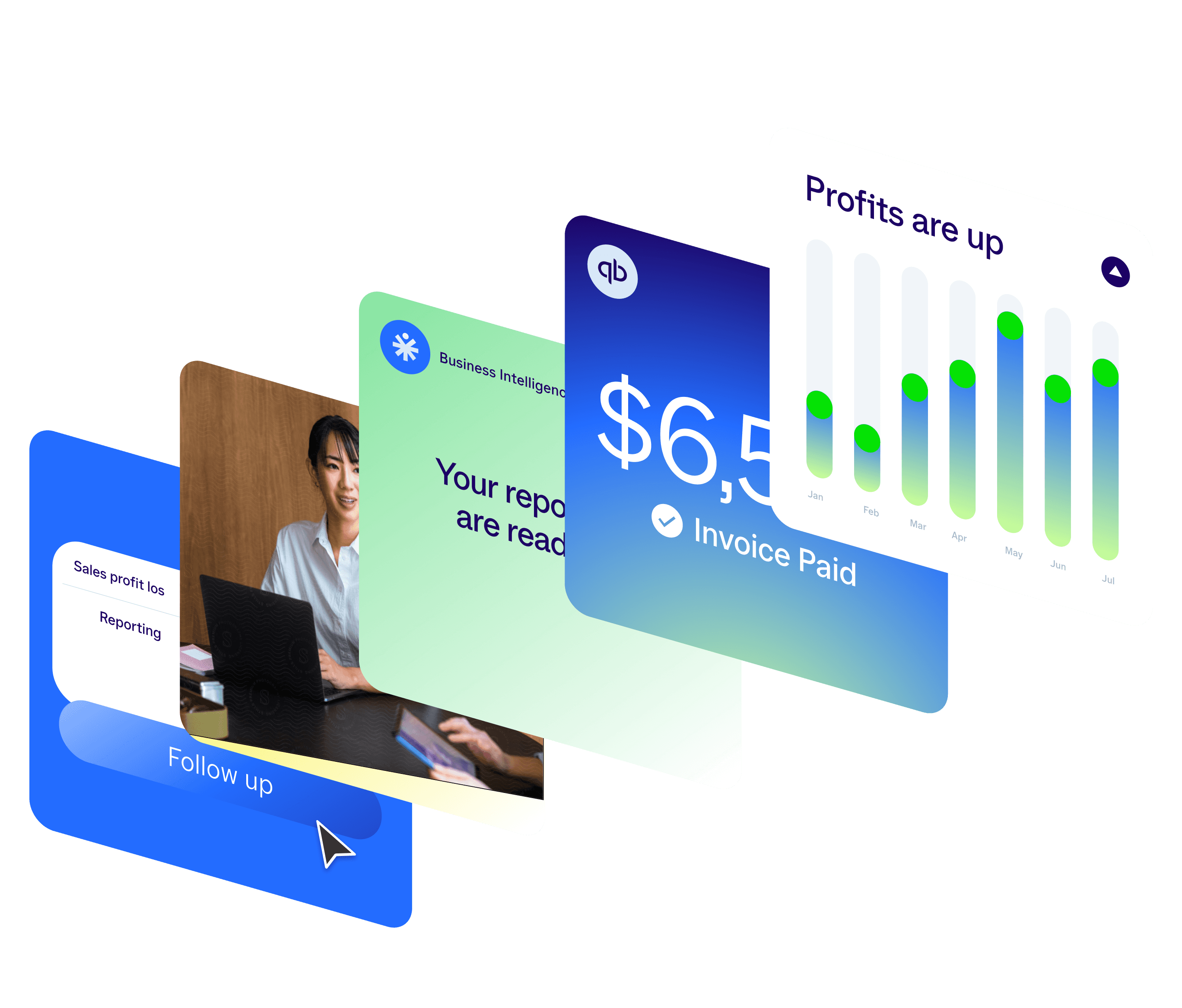
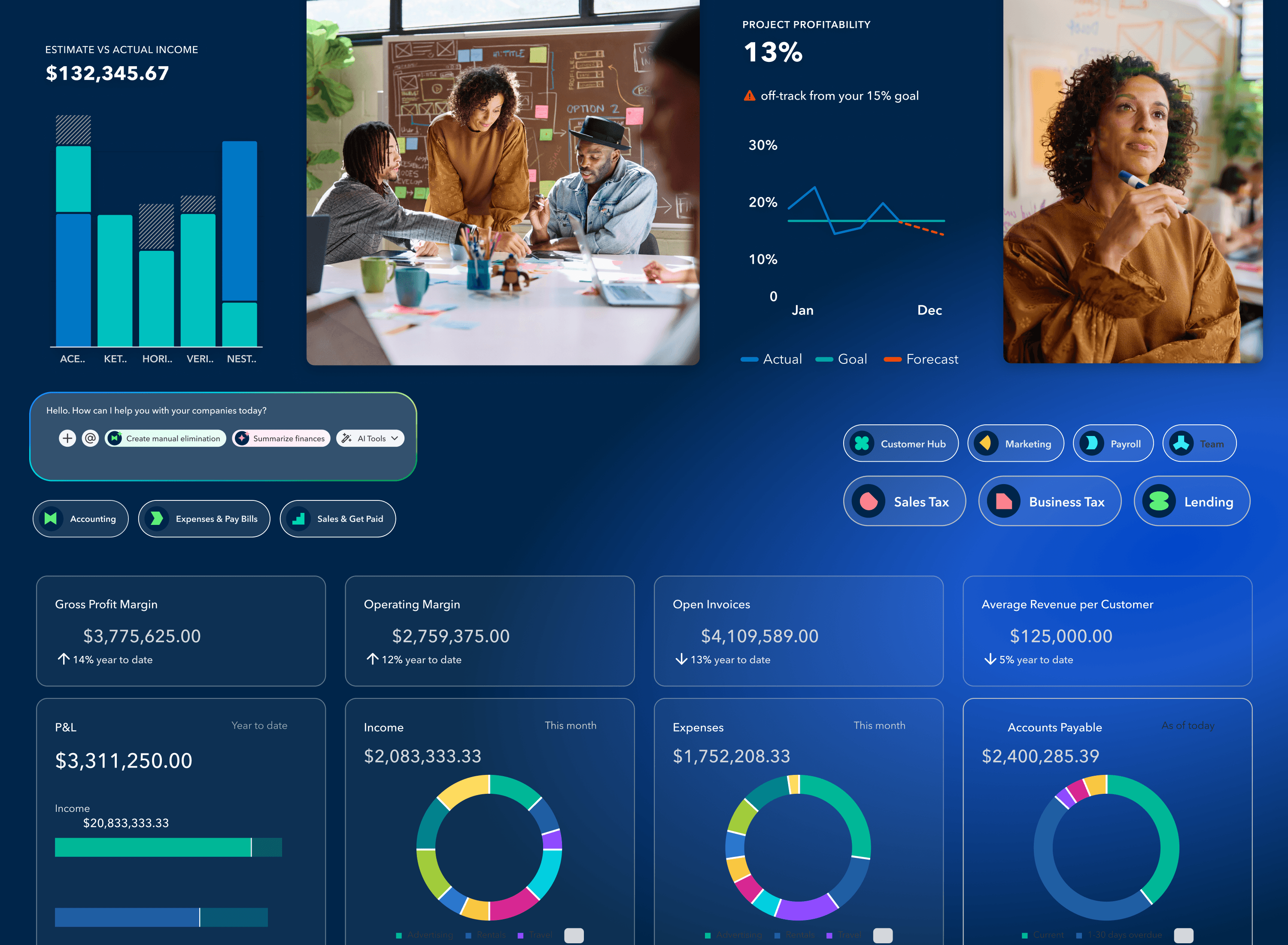
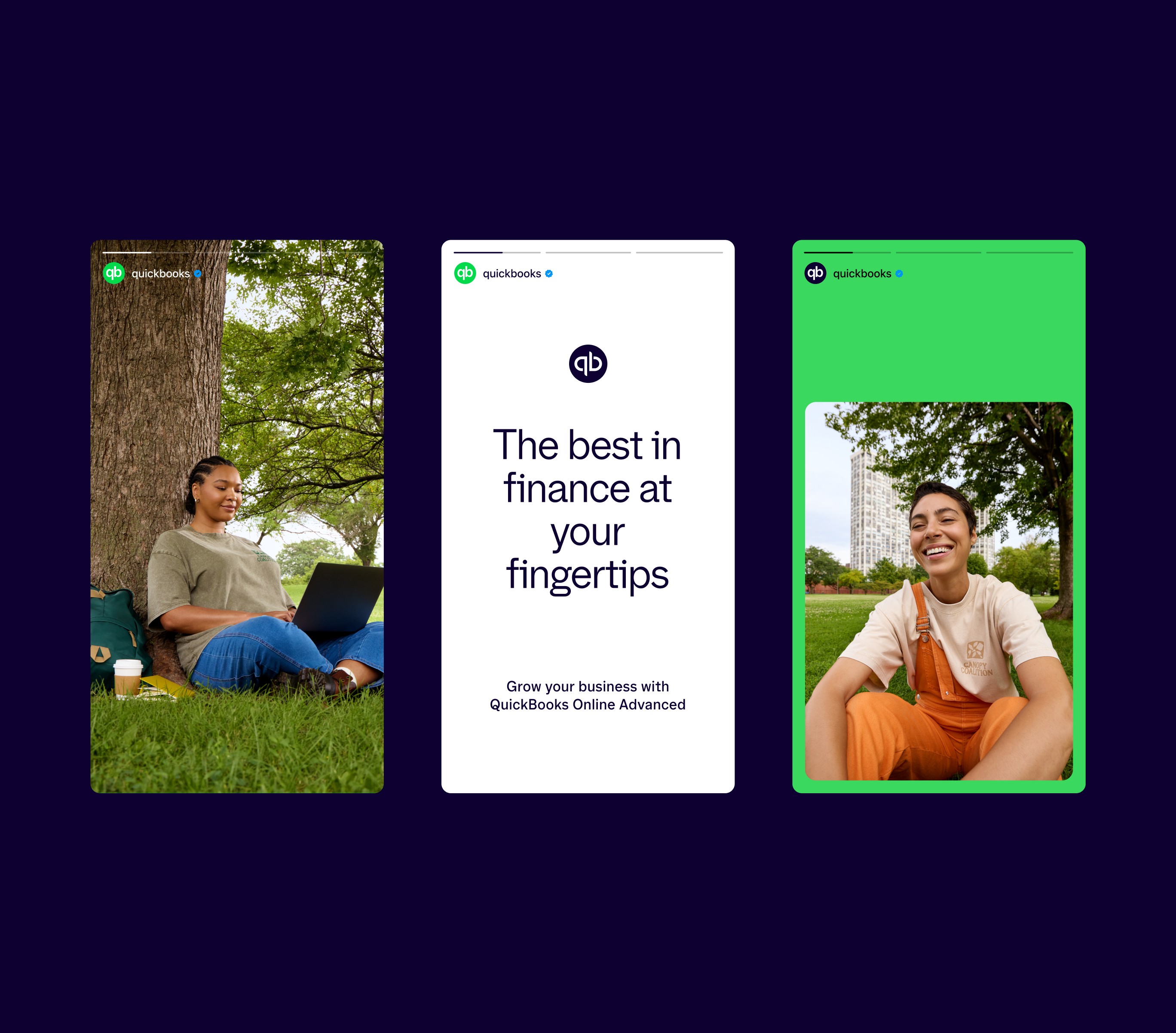
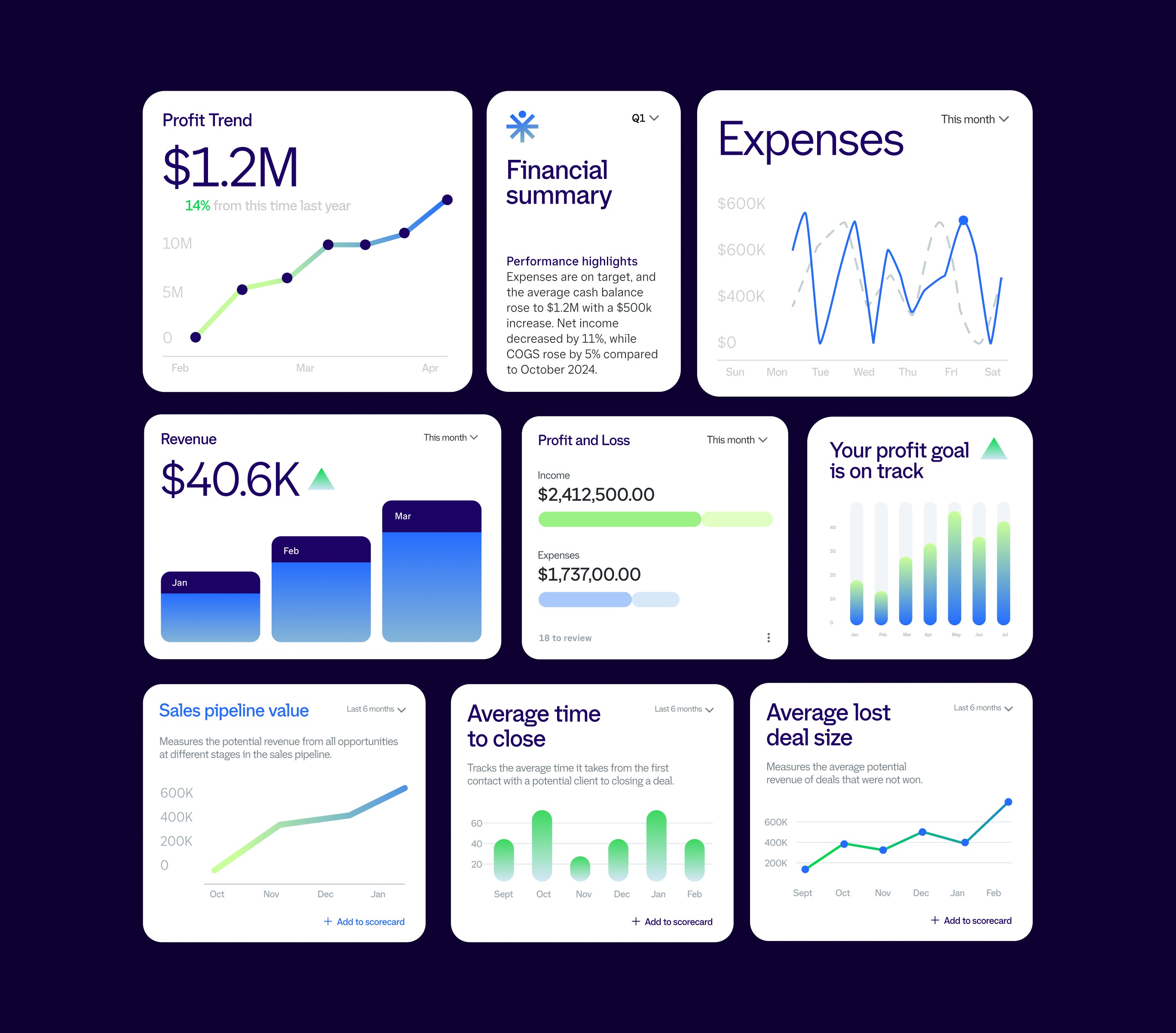
I was brought in as a Senior Designer to expand the QuickBooks design system by developing a scalable library of illustrations and UI-supporting visuals. The goal was to improve clarity, consistency, and brand expression across a product used by millions of small and mid-sized businesses by transforming visual design from a decorative layer into a functional part of the user experience.

Year

2025

Industry

Financial Technology (FinTech)

Scope of work

/

Product Design

Timeline

10 weeks

Overview

I was brought in as a Senior Designer to expand the QuickBooks design system by developing a scalable library of illustrations and UI-supporting visuals. The goal was to improve clarity, consistency, and brand expression across a product used by millions of small and mid-sized businesses by transforming visual design from a decorative layer into a functional part of the user experience.

Year

2025

Industry

Financial Technology (FinTech)

Scope of work

/

Product Design

Timeline

10 weeks

The Problem: How QuickBooks Fits

QuickBooks serves millions of users across a wide range of financial literacy levels, yet lacked a consistent visual system to support key moments in the user journey.

This gap became most visible in onboarding, empty states, and error scenarios, which were critical points where users rely on guidance to move forward.

Without a cohesive visual language, these moments often felt unclear or impersonal, contributing to measurable friction. Internal data showed that some flows experienced up to a 25% drop-off rate when guidance was insufficient.
User Research

Before designing anything, I knew that is was fundamental to research the QBO audience first. QuickBooks serves a diverse user base, including small business owners, freelancers, and finance professionals, many of whom are not formally trained in accounting.

Internal research showed that over 60% of new users relied on visual cues and contextual guidance when navigating unfamiliar workflows.

Session data and user feedback revealed that confusion was most common during onboarding, empty states, and error scenarios—moments where users lacked clear direction. These gaps directly impacted performance, with some flows experiencing up to a 25% decrease in completion rates.

These findings highlighted the need for a visual system that could actively guide users, rather than passively decorate the interface.

Approach and Strategy

The approach centered on redefining visuals as functional components within the product experience.

Rather than treating illustrations as decorative assets, they were designed to:

• Reinforce user understanding in complex or unfamiliar states

• Provide contextual guidance during key decision points

• Create a consistent emotional tone across the product

A key requirement was scalability. The system needed to support dozens of use cases across multiple teams, while maintaining consistency in style, tone, and implementation.

This meant establishing clear rules around color usage, composition, and level of detail—ensuring that new assets could be created efficiently without compromising cohesion.

Process and Solution

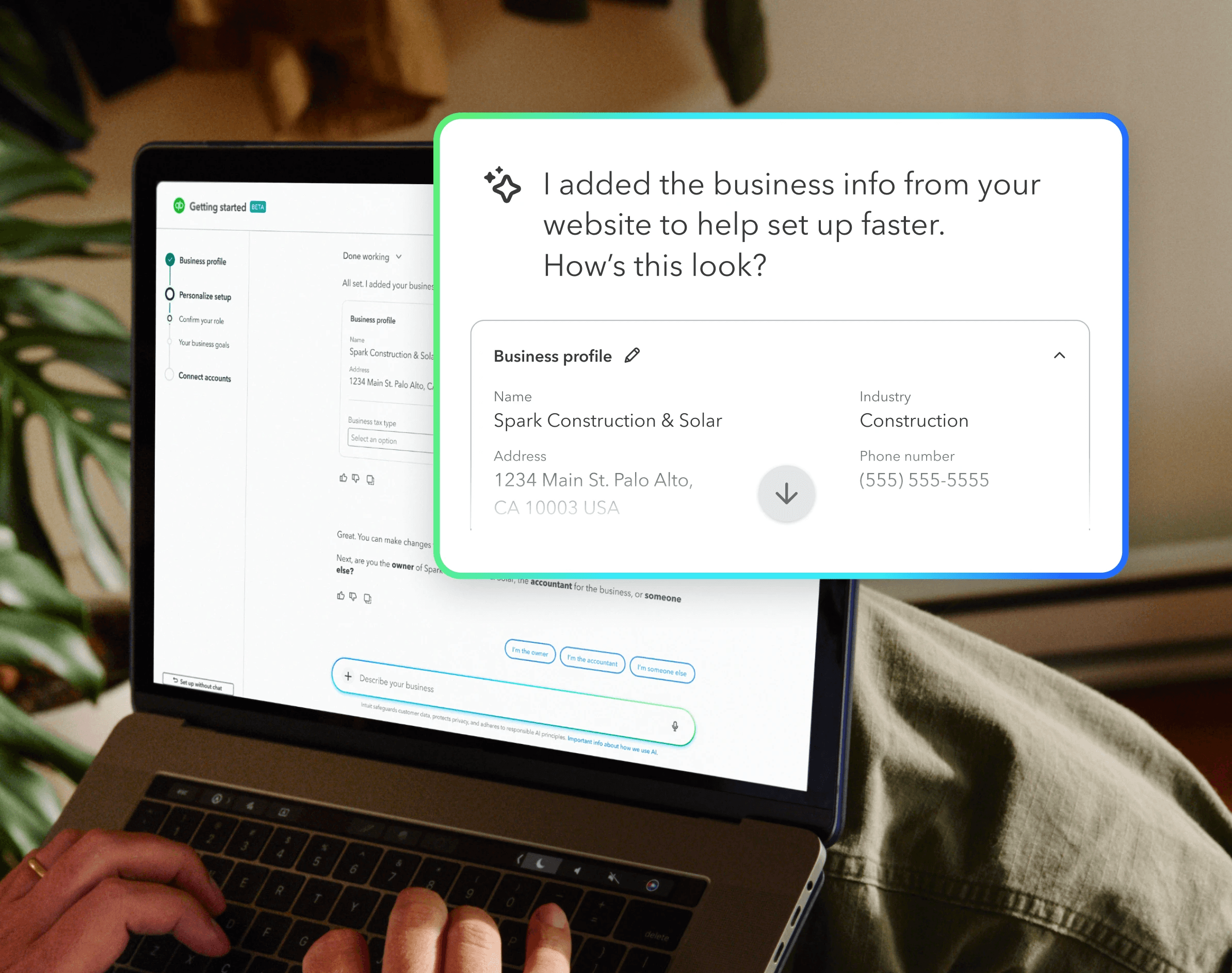
The process began with an audit of 150+ product screens, identifying inconsistencies in style, color usage, and visual complexity. This revealed a lack of shared guidelines.

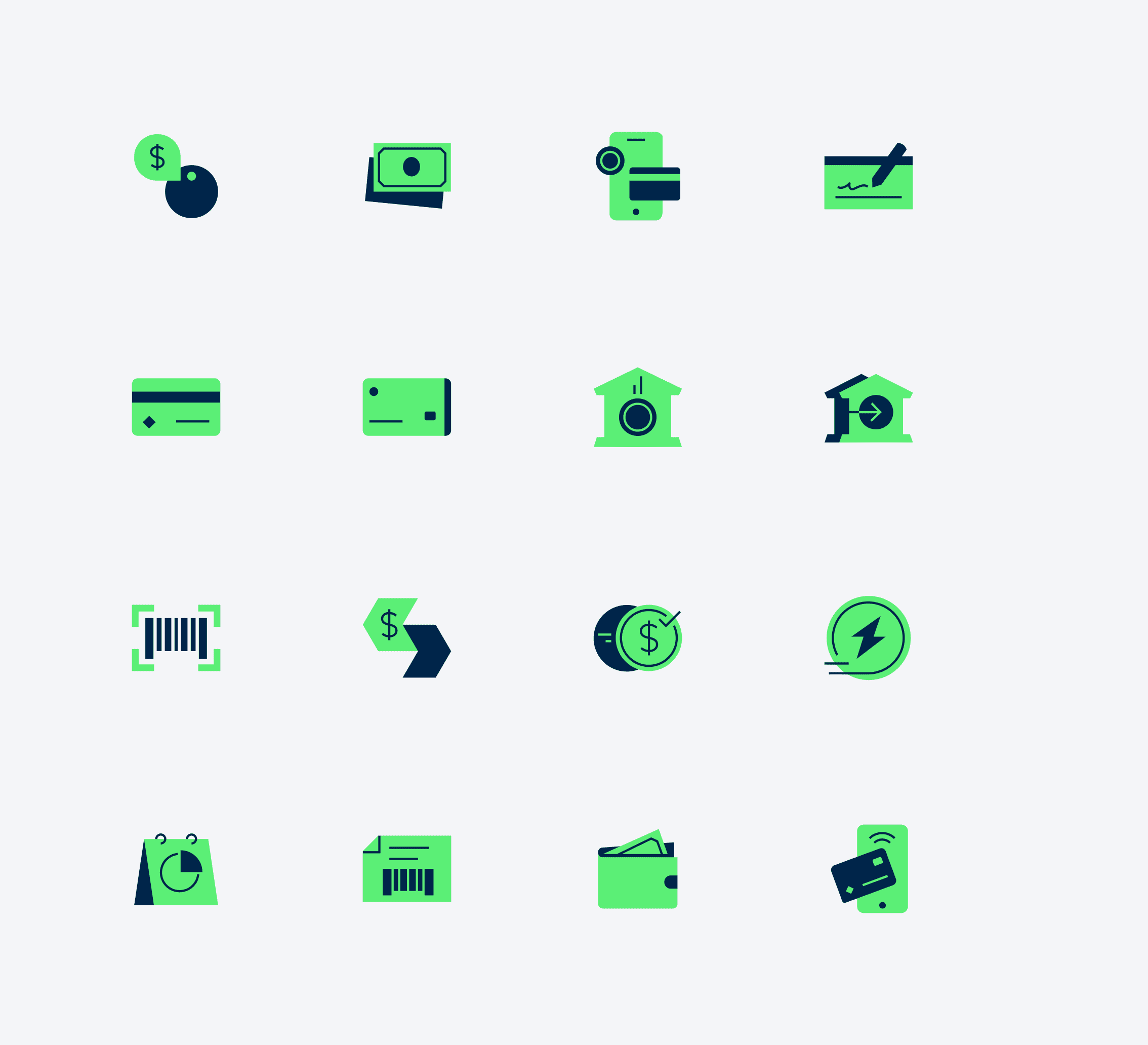
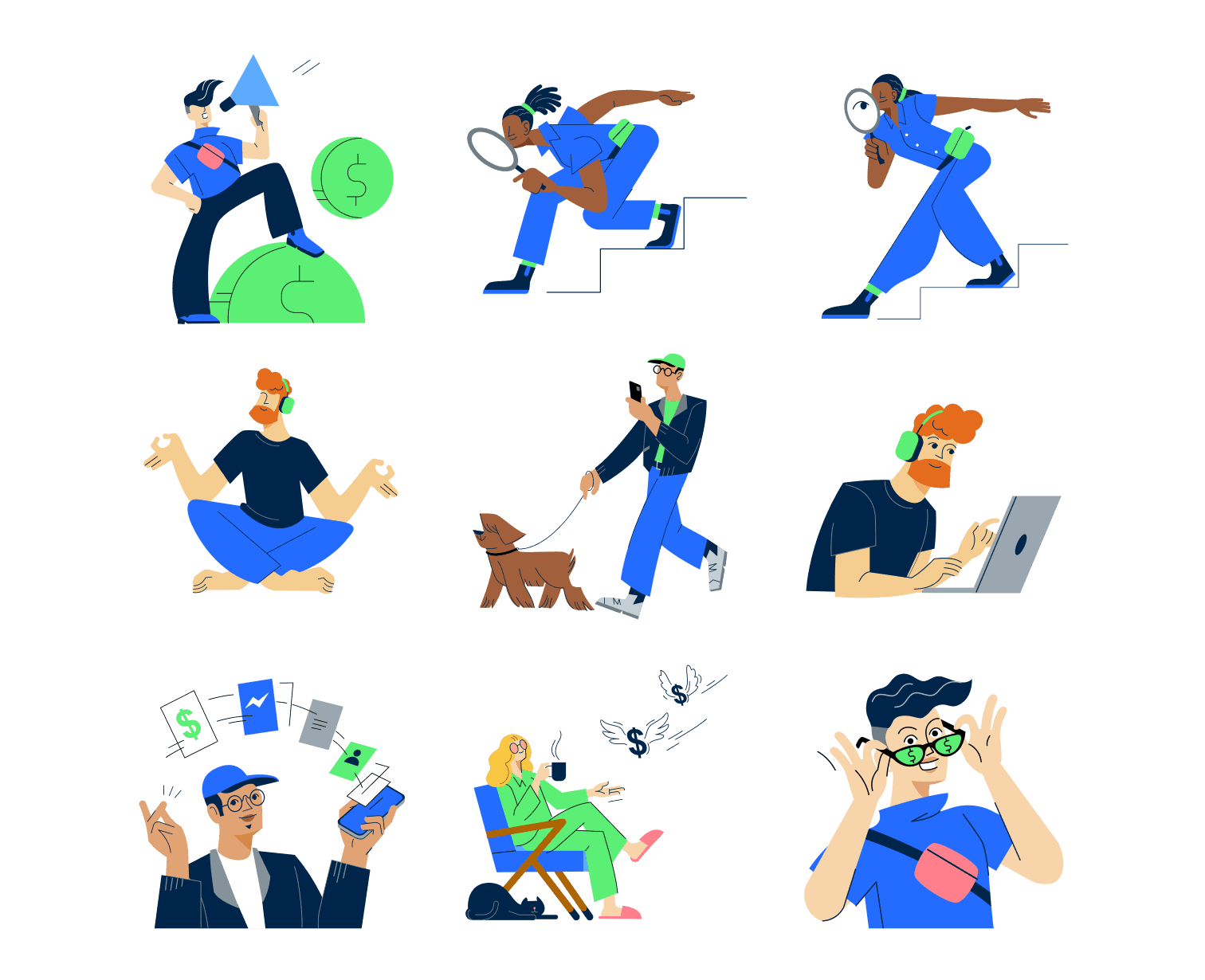
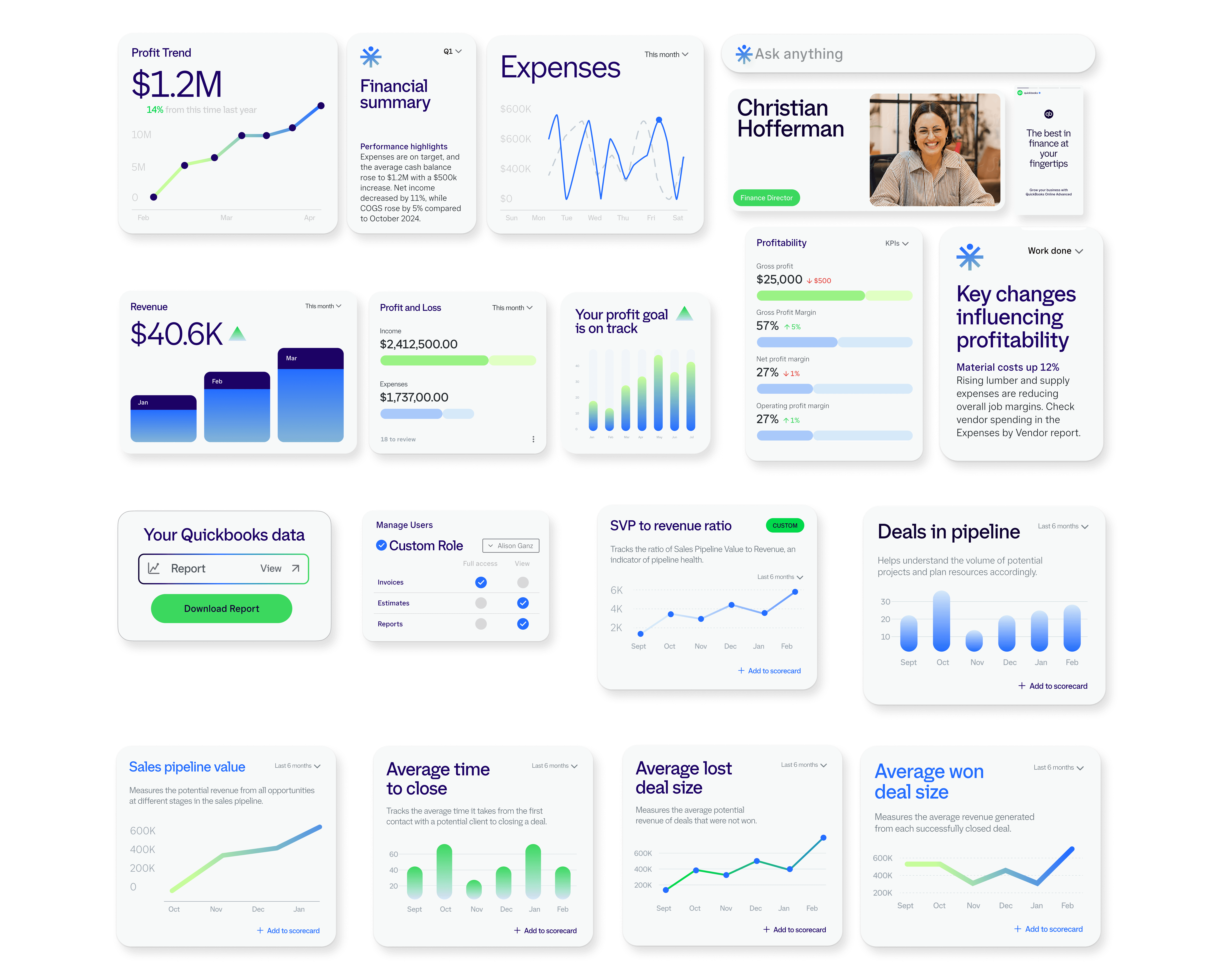
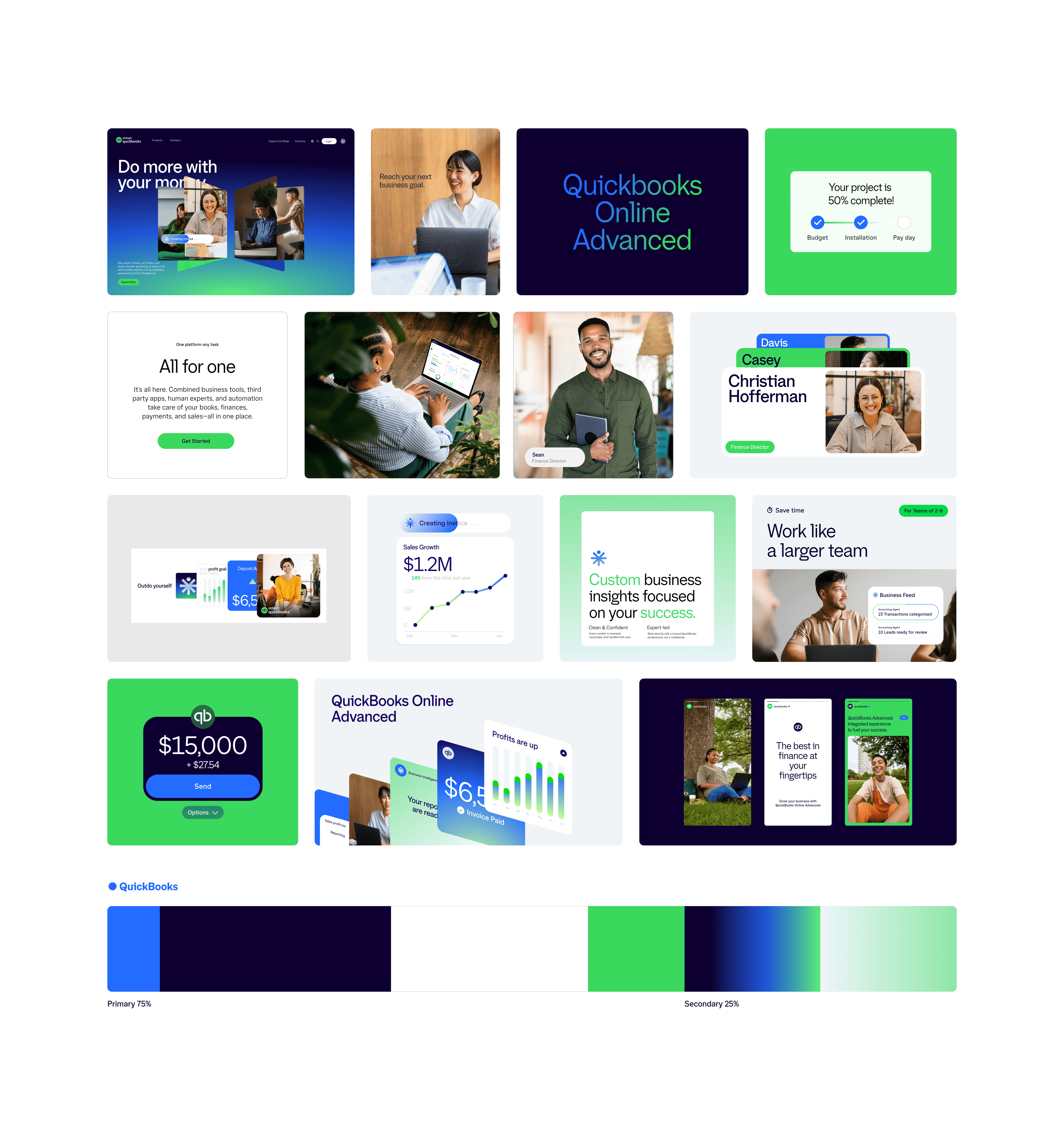
The solution was a modular library of illustrations and UI-supporting visuals designed to scale across key product surfaces.

The system emphasized:

• Controlled color palettes to maintain brand consistency

• Simplified forms to improve clarity and reduce cognitive load

• A consistent level of detail to ensure visual harmony across use cases

Assets were specifically designed for high-impact moments—onboarding, empty states, and system feedback—where users needed the most guidance.

Each visual was intentionally tied to a functional outcome, helping users better understand context, interpret system states, and take the next step with confidence.
The Results

The introduction of a cohesive visual system led to measurable improvements in both user experience and internal efficiency.

• Onboarding flows incorporating the new assets saw a 12–18% increase in completion rates, driven by clearer guidance and improved user confidence

• User testing showed a 20% reduction in reported confusion during empty and transitional states

• Standardizing the asset library reduced design and development time by 15–20%, eliminating the need for teams to create custom visuals from scratch

Beyond metrics, the product experience became more visually cohesive and intentional, reinforcing brand consistency across a platform used by millions.
Leo Veira

Have a project in mind?

By submitting, you agree to our Terms and Privacy Policy.

© 2026 Leo Veira®

Let’s talk.

Tell me about your project—whether it’s a website, an app, a new brand, or an animation.

Quick response.

If you’re ready to create and collaborate, I’d love to hear from you.

Clear next steps.

After the consultation, I’ll provide you with a detailed plan and timeline.

Leo Veira

Have a project in mind?

By submitting, you agree to our Terms and Privacy Policy.

Let’s talk.

Tell me about your project—whether it’s a website, an app, a new brand, or an animation.

Quick response.

If you’re ready to create and collaborate, I’d love to hear from you.

Clear next steps.

After the consultation, I’ll provide you with a detailed plan and timeline.

Leo Veira

Have a project in mind?

By submitting, you agree to our Terms and Privacy Policy.

© 2026 Leo Veira®

Let’s talk.

Tell me about your project—whether it’s a website, an app, a new brand, or an animation.

Quick response.

If you’re ready to create and collaborate, I’d love to hear from you.

Clear next steps.

After the consultation, I’ll provide you with a detailed plan and timeline.